
TV Wall Mounting in London
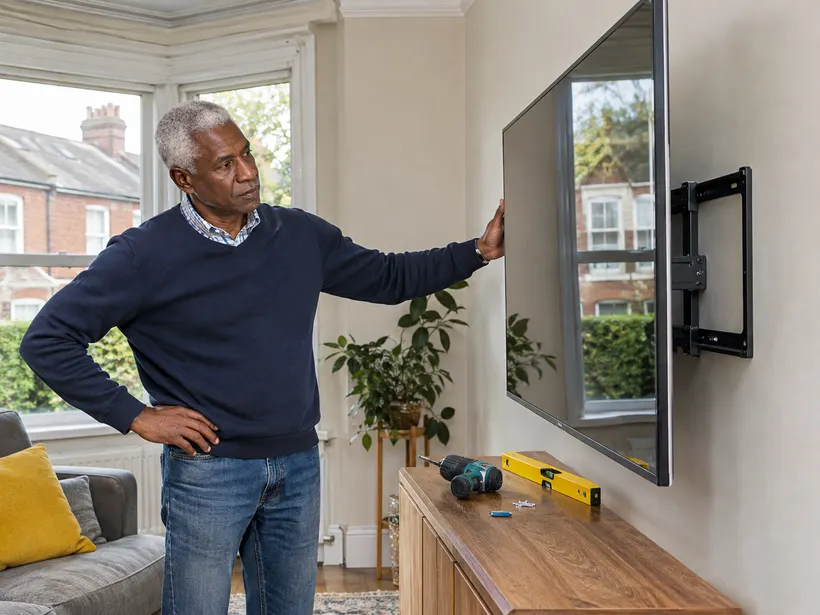
We check the television’s mounting pattern and bracket compatibility and assess the proposed wall position before fixing. Once mounted, we check that the television sits level and that an adjustable bracket can move through its intended range.
Send the television model, bracket details and a photo of the intended wall so we can confirm the fitting.
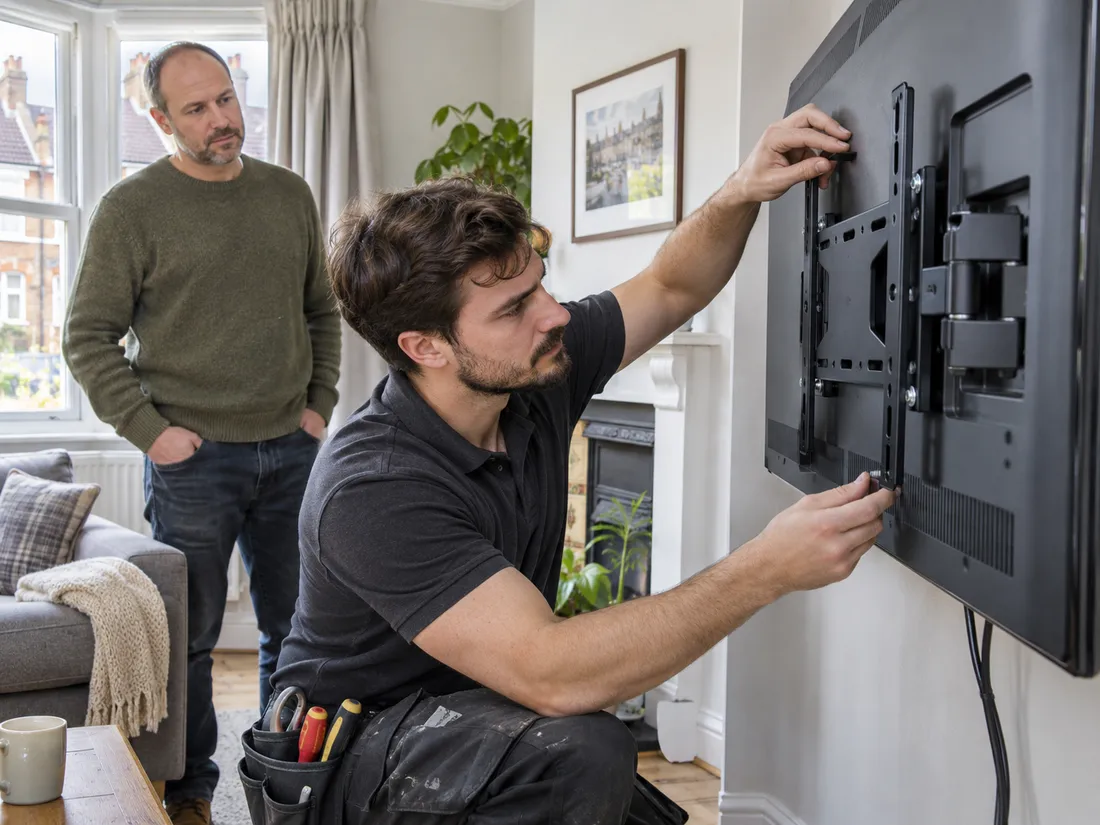
- TV and bracket details
- Wall and viewing position
- Cable requirements discussed
What to check before booking
Match the television and bracket
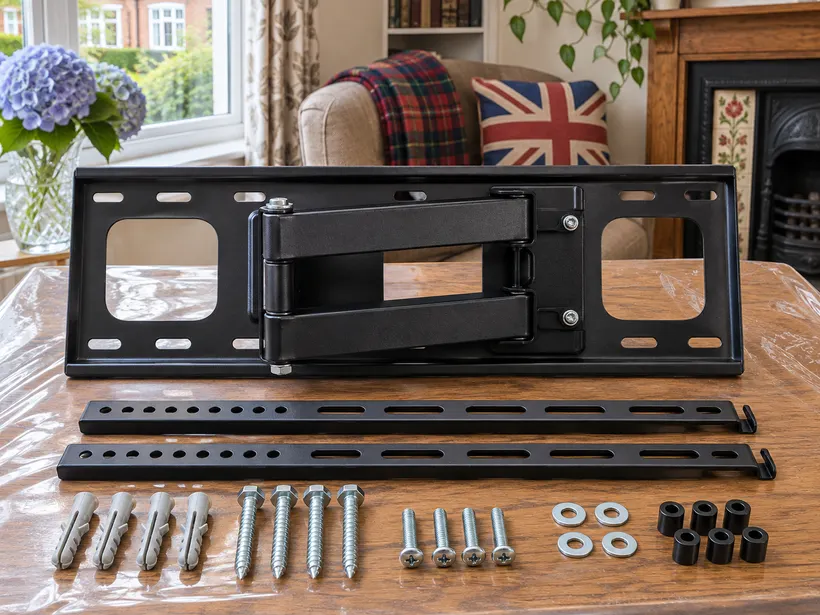
Share the television model, screen size and bracket model. Say whether the bracket is fixed, tilting or articulated and include the manufacturer compatibility information. If you have an existing bracket, send a photo and the product label.
Show the intended viewing position
Take a wide photo showing sockets, nearby furniture and the part of the wall you want to use. Mention known restrictions, wall type and any building permissions. Tell us if you are replacing an existing television in the same position.
Clarify cable and equipment needs
Explain where the power and media connections are and how you want cables to sit. List any soundbar or other accessory separately. Confirm any cable concealment or electrical work before booking.
Send the television and bracket model numbers
Give the full television model, screen size and the model of the bracket you have. A retailer description such as “large TV mount” is not enough to identify compatibility. Share the manufacturer specification or product link, including the mounting pattern and the limits listed for the bracket. If the bracket is still boxed, keep its label and instructions with it.
If you are replacing a television, send a photo of the current bracket and any markings on it. The new screen can differ in weight, dimensions and mounting points even when the screen size looks similar. Do not assume an existing bracket can be reused. We can discuss the actual products before arranging the visit.
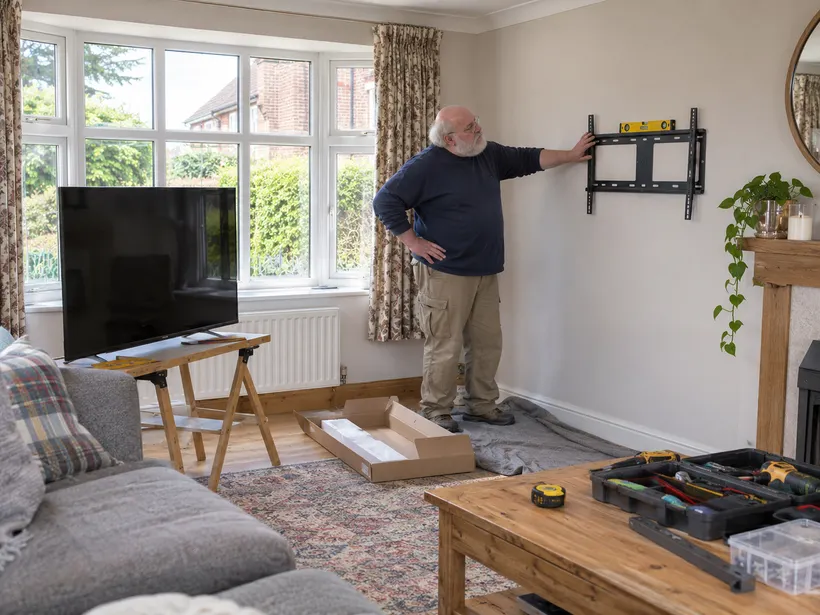
Choose the viewing position in the room
Take a wide photo of the wall, seating and nearby furniture. Mark where you want the screen to sit. Mention a cabinet or shelf below it, and show where the television needs to clear a door or window. For an articulated mount, tell us where you want the screen to face when moved away from the wall.
Think about how you will use the room. A screen that works from the main sofa may need a different position if you also watch from a dining area. If there is a soundbar, console or other piece beneath it, include the dimensions in your layout. Tell us if you want the television to align with an existing item rather than the middle of the wall.
Describe the wall and any restrictions
Send a picture of the proposed area and say what you know about its construction. Mention sockets, heating equipment, known pipework and any restrictions on drilling. For a rented property or managed building, check whether you need permission before arranging the visit. If you do not know the wall type, say so rather than guessing.
If the television will be near a fireplace, radiator or other source of heat, show the location clearly and consult the equipment guidance. For a tiled surface, recess or wall with a fitted panel, include photos and dimensions. The mounting location can be assessed against the television, bracket and wall details you provide.
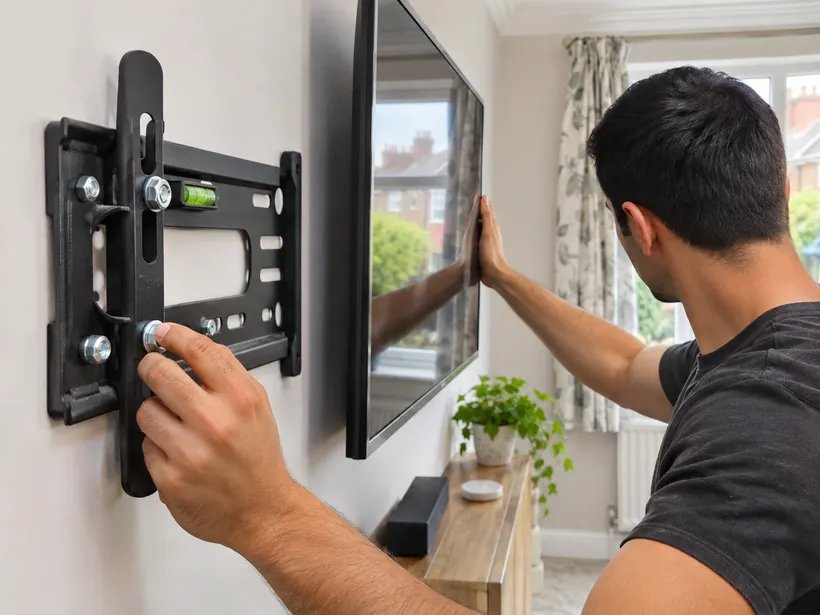
Clarify cable routing and additional equipment
Show where the power socket and signal connections are. If your cables need to reach a unit on the other side of the wall or inside a cabinet, describe the route you have in mind. Tell us if a soundbar has its own bracket and whether any accessories are already attached to the television. Give those items separate entries in the enquiry.
A wall mounting request does not automatically include alterations to sockets, electrical work or cables concealed inside a wall. Ask about these separately and confirm what is included before booking. Where a different trade is needed, agree its timing so the mounting position and connections can be planned together.
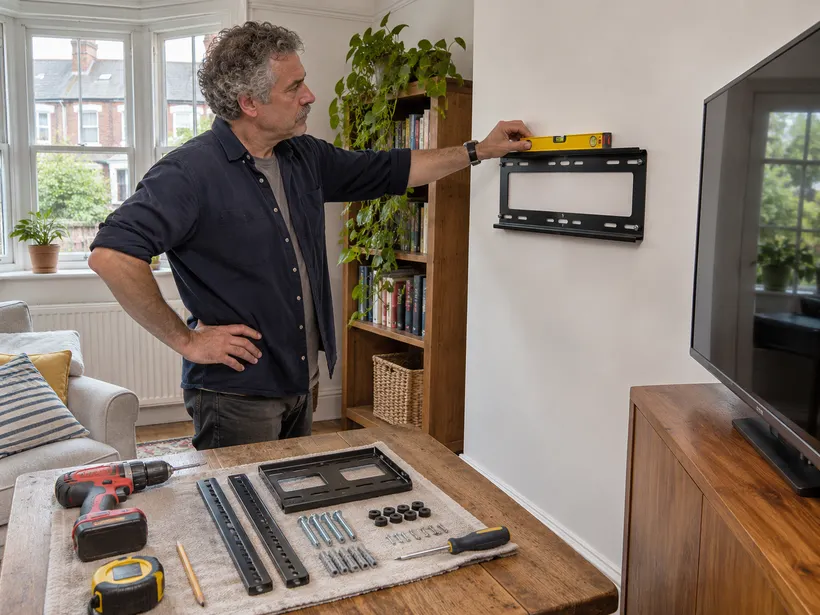
Prepare the screen, fittings and access
Keep the television, bracket parts and instructions available at the property. Clear furniture and loose items from the wall area where practical. If an old television is still in place, say whether you need it removed from the bracket. Tell us where you want the old equipment left and whether a separate collection has been arranged.
On the visit, show the intended position and where the supplied fittings are. Review any changes to the wall or bracket before agreeing the installation. Once the screen is fitted, check the viewing position and any permitted movement of the bracket. Keep the product instructions and model information for future adjustments or replacement.
Request a TV wall mounting quote
Send your postcode, television model, bracket model and a photo of the wall. Note whether the television is new or replacing an existing one. Include the viewing position, any accessories and cable requirements. For more than one screen, give each television and bracket its own entry with the room name.
Confirm access if the television is large, stored on another floor or still awaiting delivery. If the bracket or equipment changes after the enquiry, send the updated model. Check that the booking covers the work you described, especially where there is a previous bracket to remove or another installer involved.
If you are planning a room around the screen
A media unit, shelf or cabinet can change the viewing height and cable route. If that furniture will arrive later, send its dimensions and intended position. The television, mount and furniture layout should be discussed together when you want them to line up. Tell us which items will already be in place on the day.
Confirm the final layout if furniture is arriving separately
If you are planning the installation around a media unit, provide the unit dimensions and the expected delivery date. Tell us whether the television needs to align with the cabinet or whether you want room below it for speakers. The proposed layout may change if the cabinet is taller than expected or covers a socket.
For more than one television, send a photo and the bracket information for each room. A bracket bought for one screen should stay with that model until compatibility has been checked. If someone else is meeting the installer, give them the final positions and let them know which old equipment you want removed.
Details to confirm before the visit
| Check | What to consider |
|---|---|
| Fixed | Provide the desired screen position |
| Tilting | Share bracket model and intended adjustment |
| Articulated | Describe available space around the screen |
| Check | What to consider |
|---|---|
| Existing bracket | Share model and photos before reuse |
| Sockets | Show their position in a wide photo |
| Accessories | List soundbar and cable requirements separately |
What to send for your quote
| Job detail | What to send |
|---|---|
| Fixed bracket | TV model and bracket compatibility |
| Tilting or articulated bracket | Bracket model and desired movement |
| Replacement TV | Existing bracket and new screen details |
Questions before booking
For work booked alongside this service, see picture and mirror hanging and furniture wall fixing.
Do I need to buy a bracket first?
Share the TV model and any bracket you already have so compatibility can be checked.
Can you use an existing bracket?
Send its model and condition before the visit.
Can I ask about cables and a soundbar?
List both in the enquiry and confirm what the visit includes.
How do you match a television to its bracket?
We check the mounting-hole pattern and the bracket’s specifications against the television model before fitting.
Can a swivel bracket be checked after installation?
We check that it moves through its intended range and look for obstructions or cable tension in the agreed position.
Request a quote
Send the television and bracket models, plus a wide photo of the wall and the socket positions.